A few weeks ago, I posted some work-in-progress code that I’ve been putting together to identify planes flying overhead. One thing that I’ve really wanted to include in that data output, but which is not natively returned by the OpenSky States API, is the model of the plane flying overhead.
This post shows the unorthodox way that I’ve managed to make model information programmatically available, so that we can quickly query for any given plane callsign and retrieve its typecode. Let’s talk it through!
Problem: Data Inside Large, Hosted CSVs is Not Easily Queryable
The number one issue I had in solving the high level question (ie. what model is <this plane>) is cost! There are plenty of APIs which will tell you this data if you are willing to pay for it. As I am not, I needed to find a scrappy solution that doesn’t involve paid services….
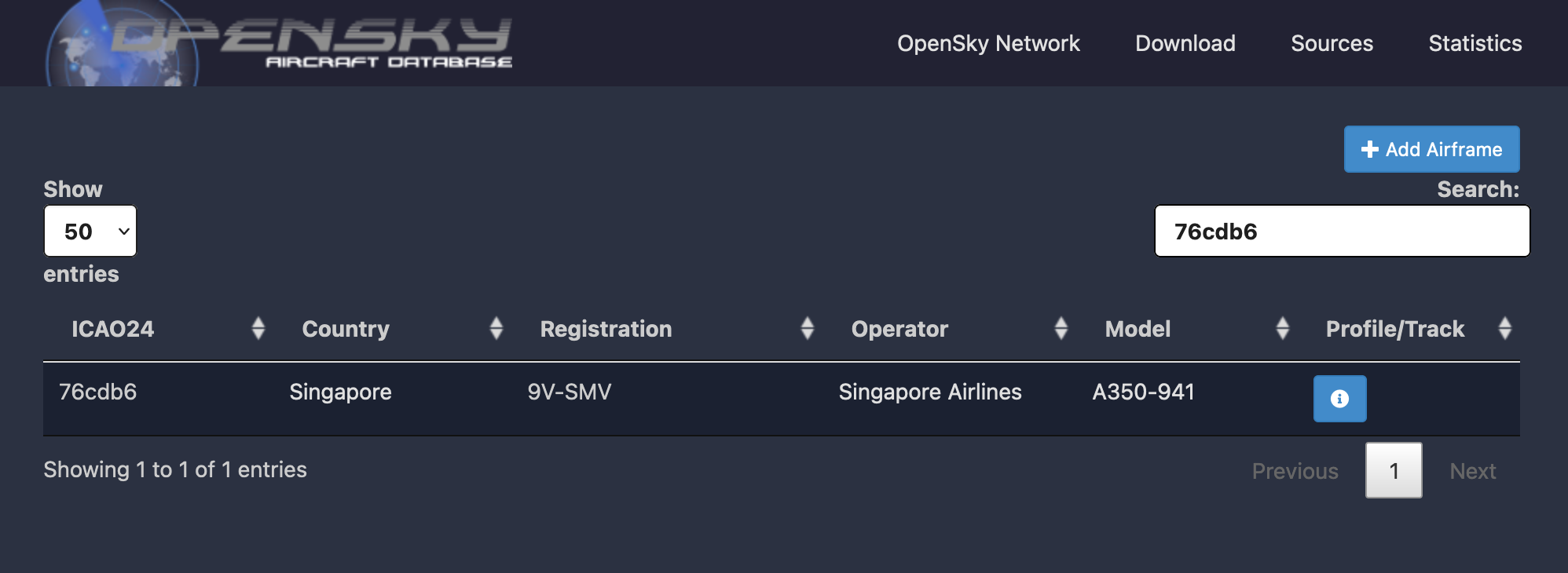
Enter - OpenSky’s global aircraft database. This is essentially a crowd-sourced database of planes around the world, keyed by ICAO24 callsign.
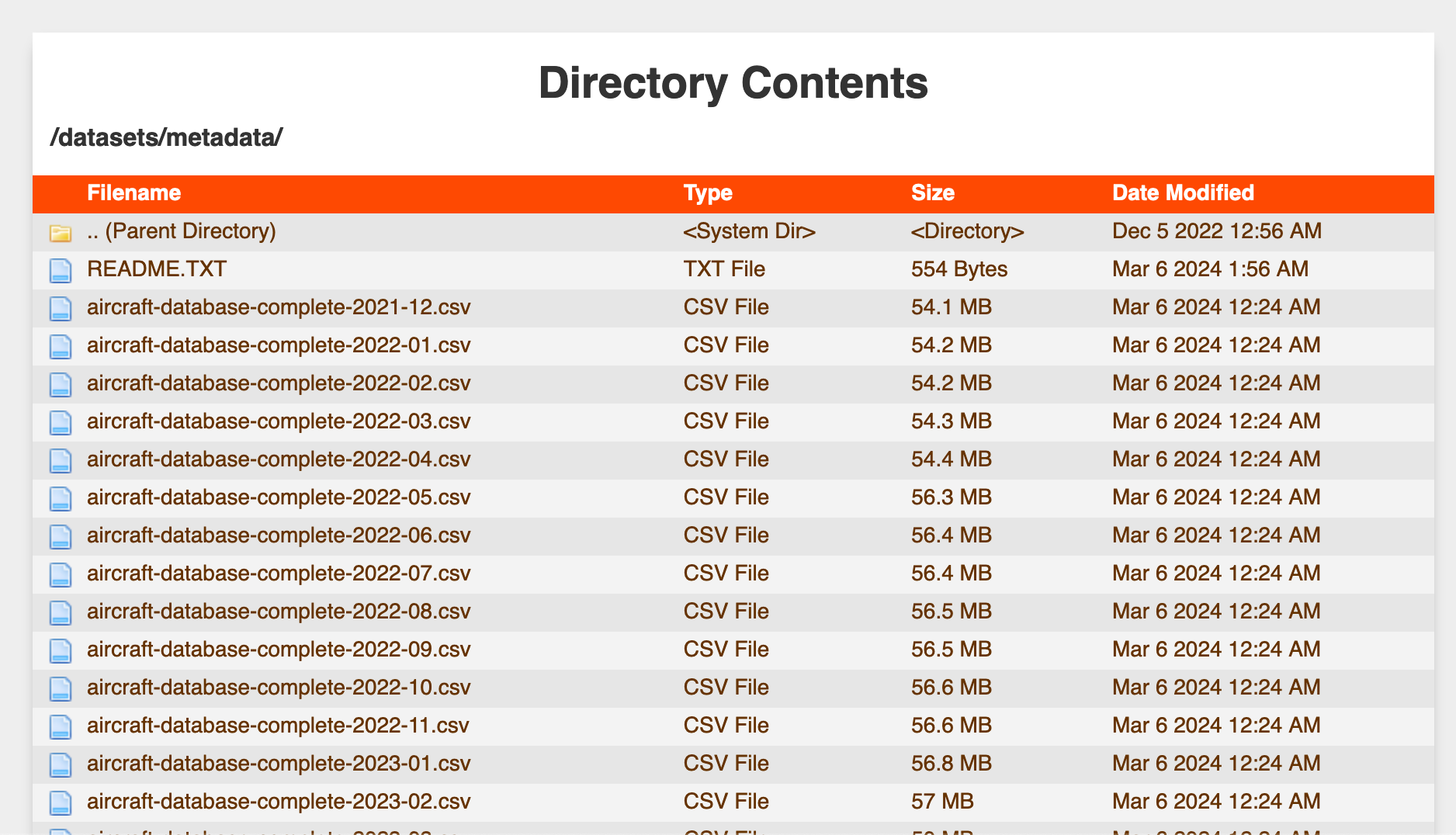
Unfortunately, the source data powering the database is only exposed to the public as a directory of large CSV files - “big” enough data to make loading and filtering a dataframe of the data impractical, but also “small” enough data to not have more infrastruture surrounding its hosting.
Given that our usage pattern is very much a database select pattern (ie. look up the typecode for this ICAO24 code), my first thoughts veered towards building some sort of database using the data from the CSVs, which I could then execute queries against. However, I quickly realized this would require me to architect something like the following:
- A standalone database instance: a small always-on database hosting the
aircraftdatabase, which we would create an API Gateway for to provide query access. Fairly easy to do, but would require future effort to maintain and has the highest running costs - A serverless architecture like Amazon S3 Select: would allow us to run queries that execute on top of files stored in S3 - very elegant and easy, but unfortunately expensive and slow, upon further analysis
- An API endpoint backed by DynamoDB, where we’d upload the data - a performant, cheap, and serverless system, but one that would require the most setup effort
None of these solutions seemed simple or low enough maintenance to justify the implementation effort, so I kept thinking of alternatives.
Solution: Convert the CSVs to SQLite Databases, Host them on DBHub.io, Use Their Serverless REST API to Run Queries
Luckily, I stumbled across DBHub.io during my brainstorming, and realized it is kind of the perfect service for what I’m looking for! It allows me to:
- easily upload a copy of the OpenSky aircraft database (after building an SQLite database from the hosted CSV)
- make version-controlled changes of the database over time, so that as OpenSky publishes new versions of the aircraft database, I can update the published SQLite database
- expose the data to the public
- query the data with simple SQL through a REST API
- in a serverless manner which abstracts away the concept of managing any physical instances
As such, I’d like to give a huge shoutout to the DBHub.io team for hosting this service and allowing for generous free use - it is much appreciated for small projects like this!
Implementation Guide
Create SQLite DB from CSV
We need to convert the CSV file hosted on the OpenSky site into an SQLite database so that we can upload it to DBHub - this small snippet of R code is one way to do so:
library(readr)
library(DBI)
library(RSQLite)

df <- read_csv(
	"https://opensky-network.org/datasets/metadata/aircraftDatabase-2024-01.csv",
    col_types = cols(reguntil = col_character(), built = col_character())
)

db <- dbConnect(SQLite(), dbname="aircraft.sqlite")

dbWriteTable(conn = db, name = "aircraft", df, overwrite = T, row.names = FALSE)
You can run any test queries you like against the database - the record below looks up the typecode of a British Airways plane with callsign 4072ea, which turns out to be a B789.
dbGetQuery(conn=db, "SELECT icao24, typecode FROM aircraft WHERE icao24 = '4072ea'")
Store SQLite DB on DBHub.io
Next, we need to create a DBHub.io account, upload our database, and look to see that things were created successfully.
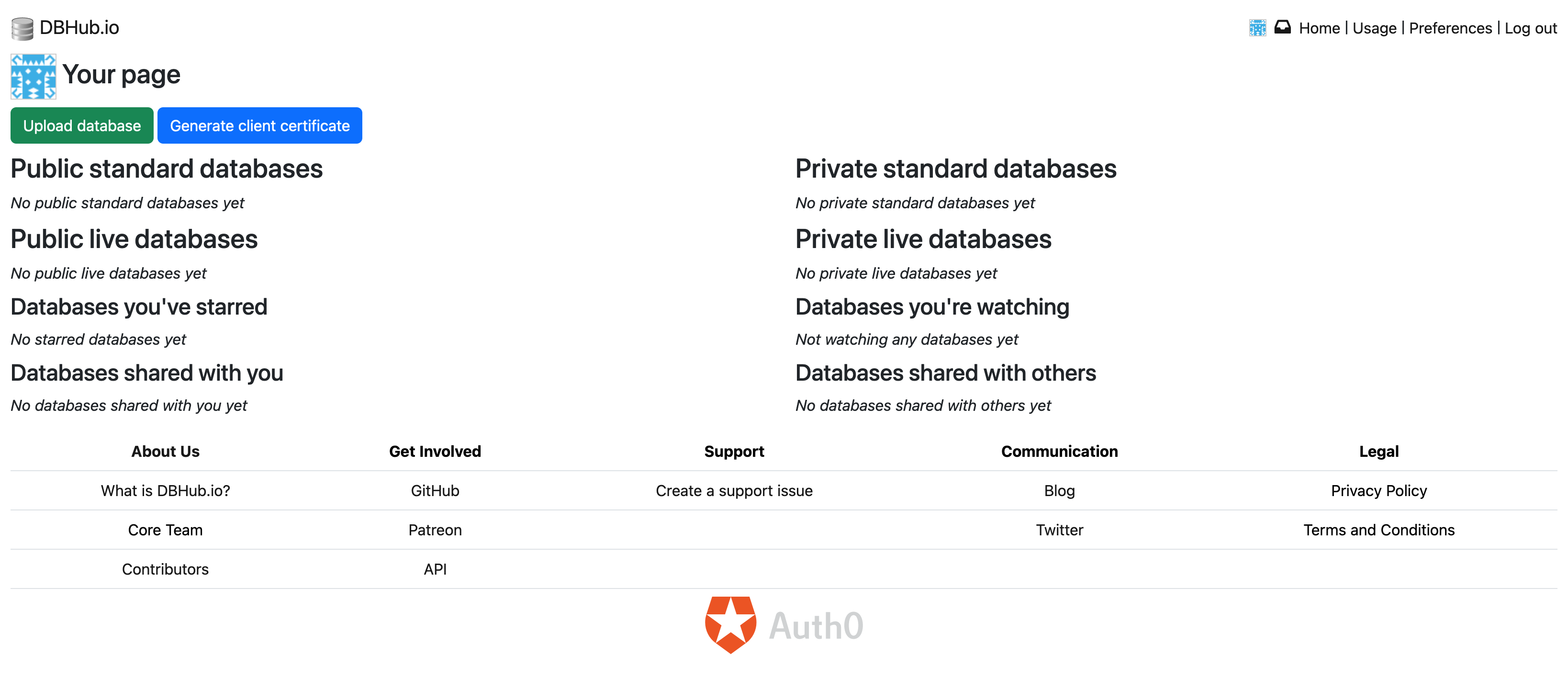


Things were pretty straightforward through this process - you can now find the aircraft.sqlite Database on DBHub.io available to the public, and I’ll be sure to commit new monthly updates from OpenSky to this same database in the future.
Query Data with REST API
This part is the secret sauce of DBHub.io and why I felt it was the perfect solution for us: there is a simple REST API which allows us quickly and easily query the data in our uploaded databases, without requiring us to maintain anything!
Tables
The first thing I wanted to do was get a test query working - I figured hitting their Tables API endpoint would be good practice for packing my request and validating that we see the aircraft table in the database.
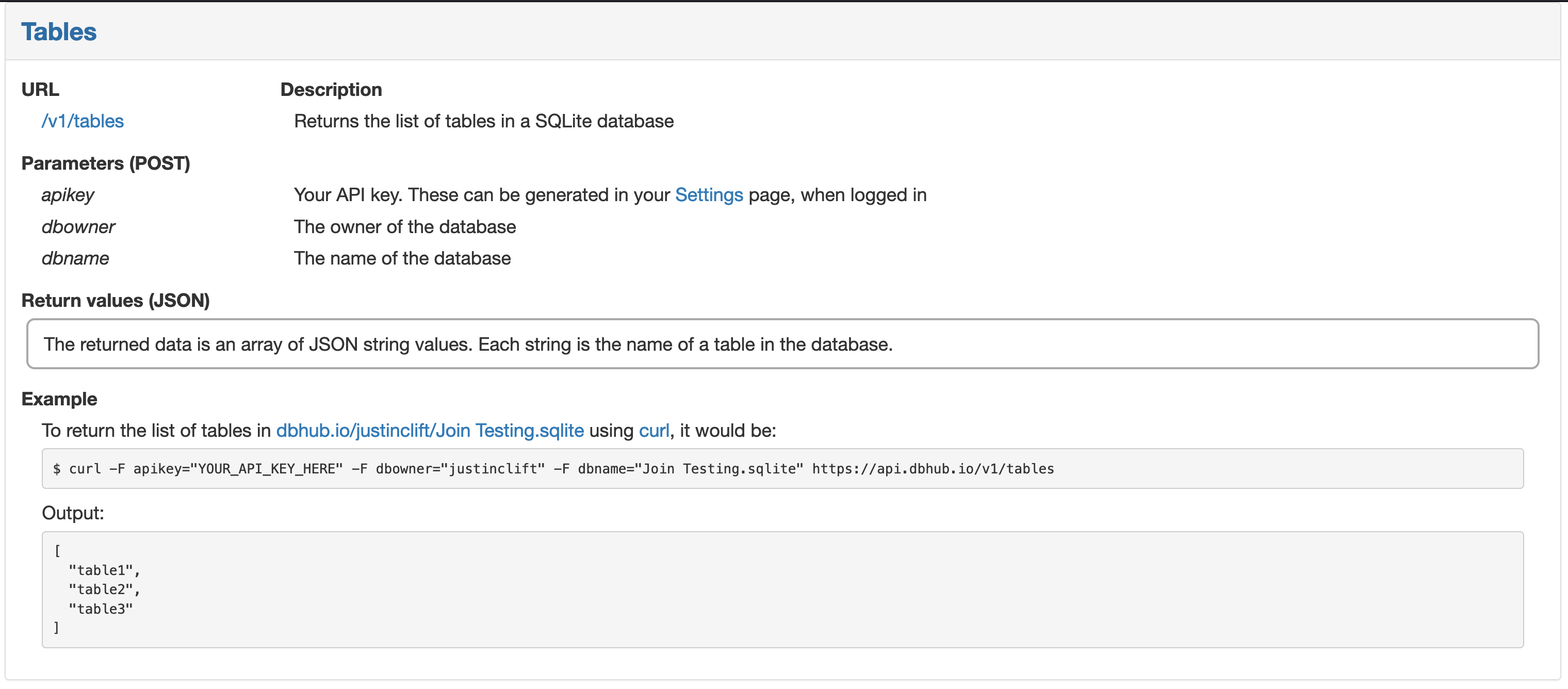
Following the DBHub documentation, I made a POST request using Requests on Python to the https://api.dbhub.io/v1/tables endpoint, passing my apikey and database details over as params, and voila! We have data!
import requests

APIKEY = PRIVATEKEY
DBOWNER = "cmcl"
DBNAME = "aircraft.sqlite"
URL = "https://api.dbhub.io/v1/tables"

params = {
  'apikey': APIKEY,
  'dbowner': DBOWNER,
  'dbname': DBNAME
}

api_result = requests.post(URL, params)

print(api_result.text)
["aircraft"]
Fetch Records
With the query above as a guide, it was easy to adjust the POST request to hit the Query API endpoint instead, with a bundled SQL query to run. The key nuance here is that the query needs to be converted to Base64 before being passed into the POST request.
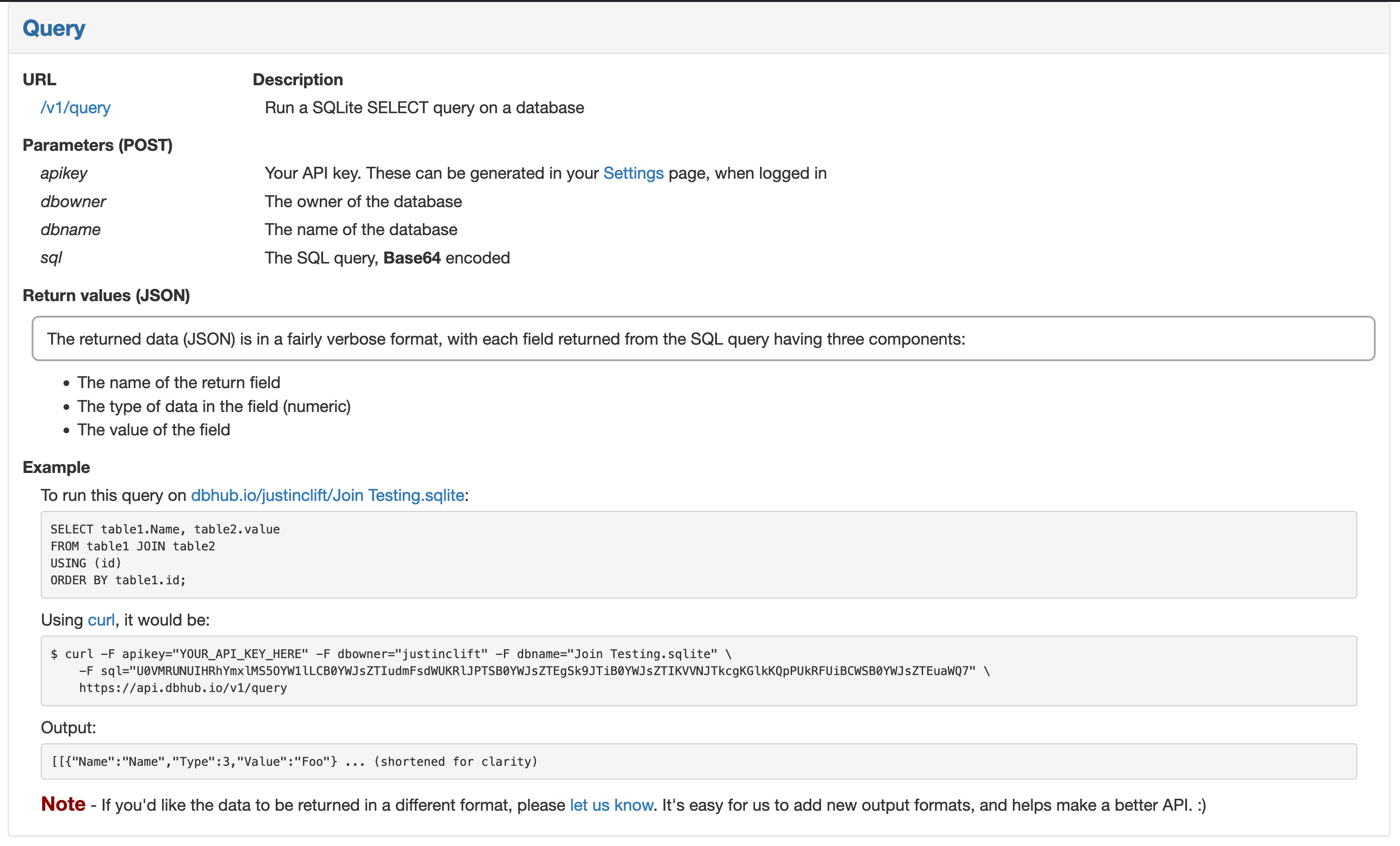
Running this time for callsign = '76cdb6', we find that this plane is a long-haul Singapore Airlines A359 - very cool!
import requests
import json
import base64

APIKEY = PRIVATEKEY
DBOWNER = "cmcl"
DBNAME = "aircraft.sqlite"
URL = "https://api.dbhub.io/v1/query"

query = """
SELECT icao24, typecode, operator
FROM aircraft
WHERE icao24 = '76cdb6'
"""

query_bytes = query.encode("ascii")
query_base64 = base64.b64encode(query_bytes)

params = {
  'apikey': APIKEY,
  'dbowner': DBOWNER,
  'dbname': DBNAME,
  'sql': query_base64
}

api_result = requests.post(URL, params)

print(api_result.json())
[[{'Name': 'icao24', 'Type': 3, 'Value': '76cdb6'}, {'Name': 'typecode', 'Type': 3, 'Value': 'A359'}, {'Name': 'operator', 'Type': 3, 'Value': 'Singapore Airlines'}]]
In Summary
In this post, we’ve covered how one can take a unwieldy CSV and turn it into a severless database that can easily be queried through a REST API.
I wanted to document my work to highlight the excellent work of the DBHub.io team and share my solution architecture and code with others who find themselves in the same position. I think it’s pretty common to have a big dataset you’d like to query, but where you don’t want the added complexity of maintaining a database or API to provide access to the data. For that use case, the DBHub.io solution is perfect - for the low price of free, they’ll do the heavy lifting of hosting your SQLite database and providing REST API access, and you can now focus on where you want to get the query data integrated.
In my case, that’ll be by finishing off my Tidbyt app to show overhead planes… stay tuned!